
1. Set-up
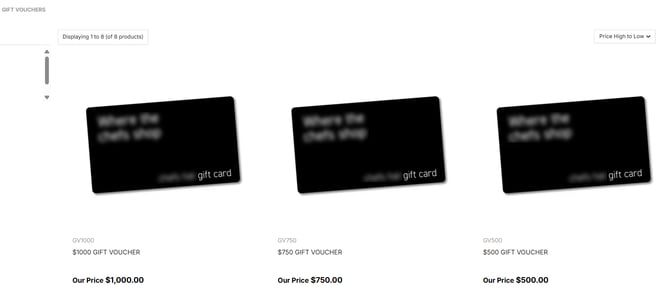
First set up a product as a gift voucher. A common set-up method is to create all vouchers in your accounting software and assign them to a category called ‘Gift Vouchers’ eg.
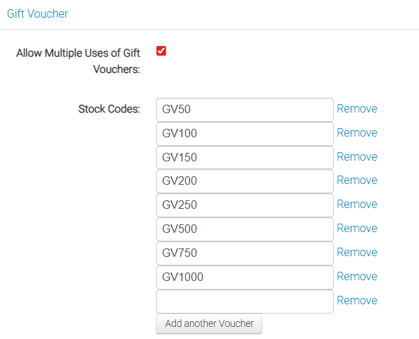
Once you've done this, add the gift voucher stock code/s to the payment methods page (https://yourdomain/admin/store/payment)
under Gift Voucher and that will make these vouchers active:
eg.
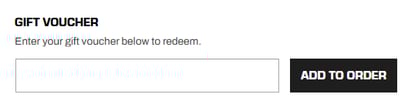
Then you'll find that the Gift Voucher field has been activated on the checkout page of your site:
2. Customer Gift Voucher Purchasing
Customers can now buy and use gift vouchers on your site just like any other product. You can limit who can buy vouchers if needed, however any custom changes will need to be reviewed and implemented by Webninja's Support Team.
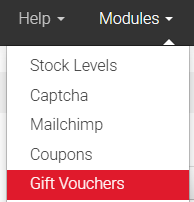
When the customer purchases a gift voucher, you will find the record of the gift voucher purchase under the Gift Voucher menu in the CMS.

The expiry date will default to 3 years to remain compliant with gift card legislation effective since 2019: Gift voucher law
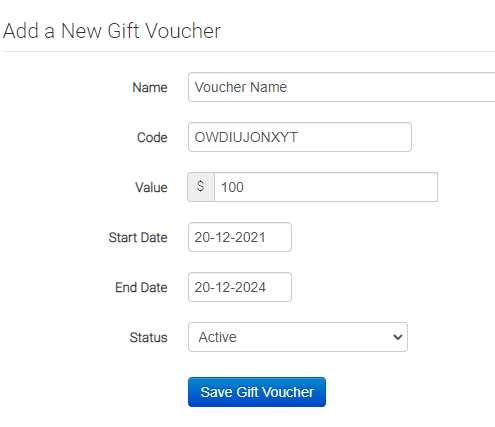
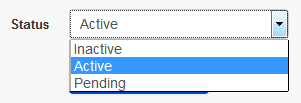
The gift voucher will be in the state of 'Pending' requiring you to make the voucher active or inactive. You will also notice that there is a code assigned to the voucher. Update the voucher to 'Active' and click the 'Save Gift Voucher' button.
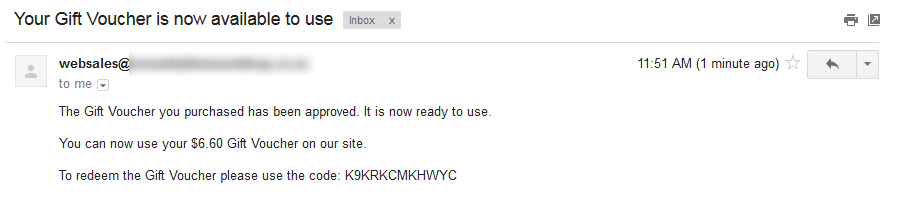
This will send the customer an email, notifying them that their Gift Voucher is available to use and confirming the gift voucher code.
3. Redeeming a Gift Voucher
When a gift voucher is purchased, anyone can use the gift voucher providing they have the unique gift voucher code. They can enter this when on the payment page allowing them to receive a discount on the total of the sales order.

When they enter the unique code, the total of the gift voucher will be applied to the sales order. This will either use up all the gift voucher value or use part of the gift voucher value if the cart total is less than the value of the gift voucher.
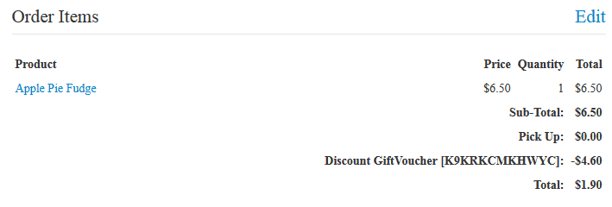
Note: If a customer uses only part of the value of the gift voucher, the remaining balance is not stored against any account due to the fact that any customer can use the gift voucher once purchased on the site.