
Note: Web Ninja will need to set up any new fields for you if you don't already have them.
Let's take a look at how you can find products in the admin and how to add data to them:
Finding a product
-
Log in to the admin area
-
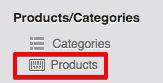
Go to Products/Categories > Products on the left-hand menu
-
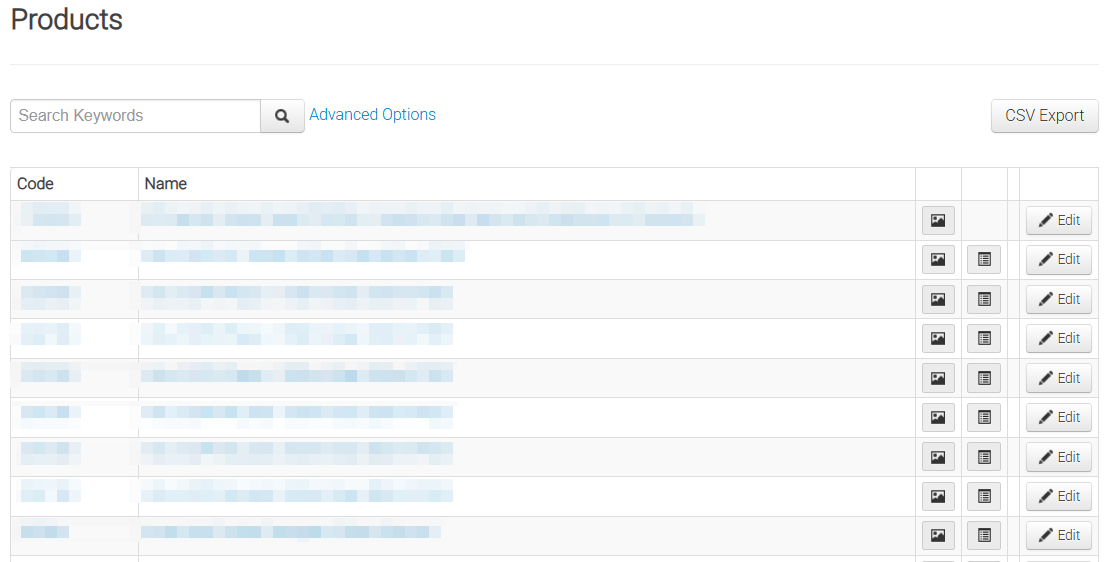
On the Products page you are shown all the products on your site and a search box.
-
If you have hundreds or thousands of products, it's much quicker to search for your products via product code. TIP: Ensure you enter the full code exactly how it appears on the site.
-
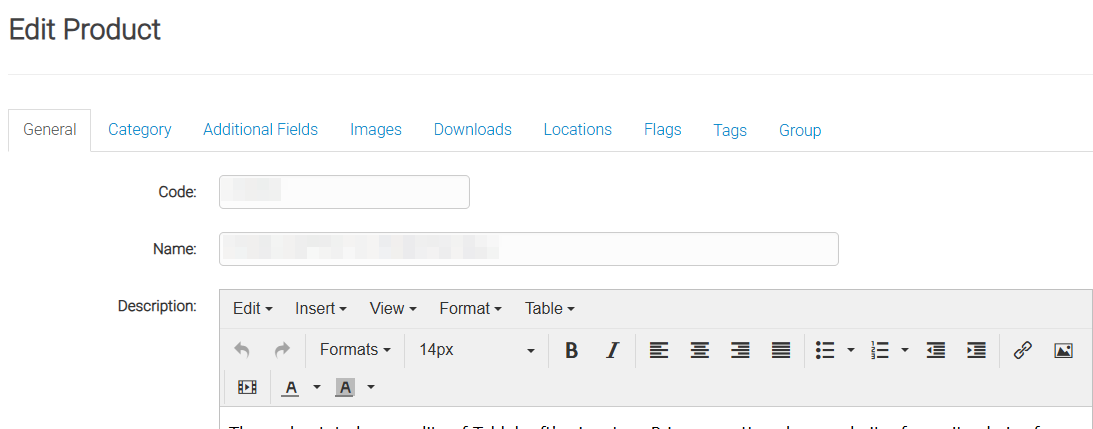
You will be taken to the page for that particular product
-
On this screen you will see the Code, Name and Description or notes field for the product. To edit the product field data, select the Additional Fields tab at the top.
-
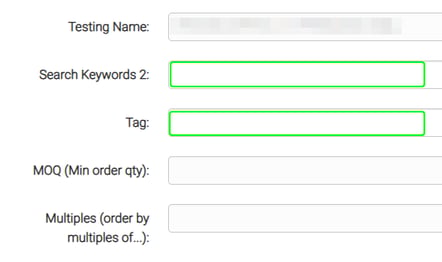
You will see the list of available fields, yours will be different than the screenshot below:
-
Some fields are greyed out, this means the data is coming from elsewhere (Accounting Package or CSV). For those that you can edit, you can just enter your data directly in the field and remember to click Save at the bottom of the page.
-
Depending on your site setup, some changes will appear immediately on the site, while others may require a sync (eg. if we've set up any special scripting to run on any of your fields - a sync will need to run to activate the script).
As always - if you're unsure - please contact our Support Team by either email:
or you can lodge a ticket directly via the form found on our support page here.