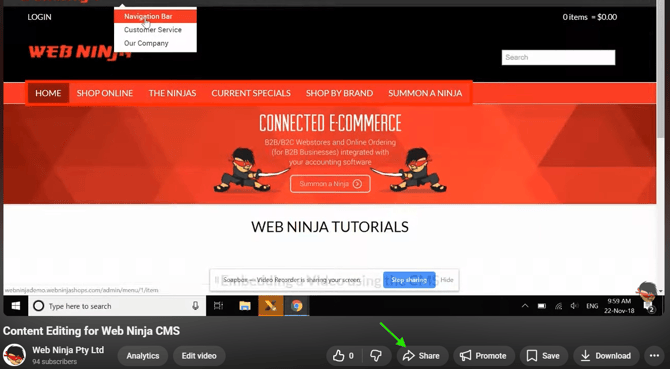
To make a video responsive, go to the video on YouTube and click 'Share' in the bottom right corner.
Next, copy everything after the / (and before the "?" if there is one)
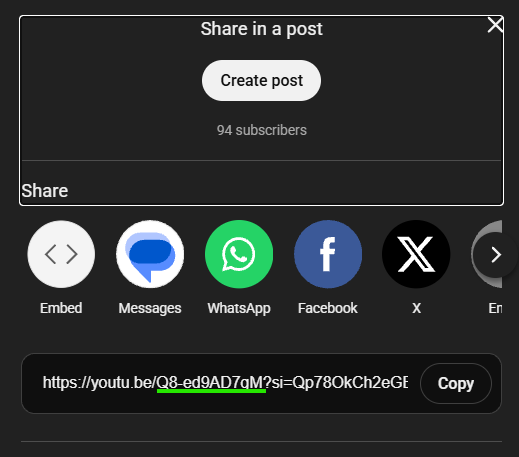
In this case, this is: Q8-ed9AD7gM
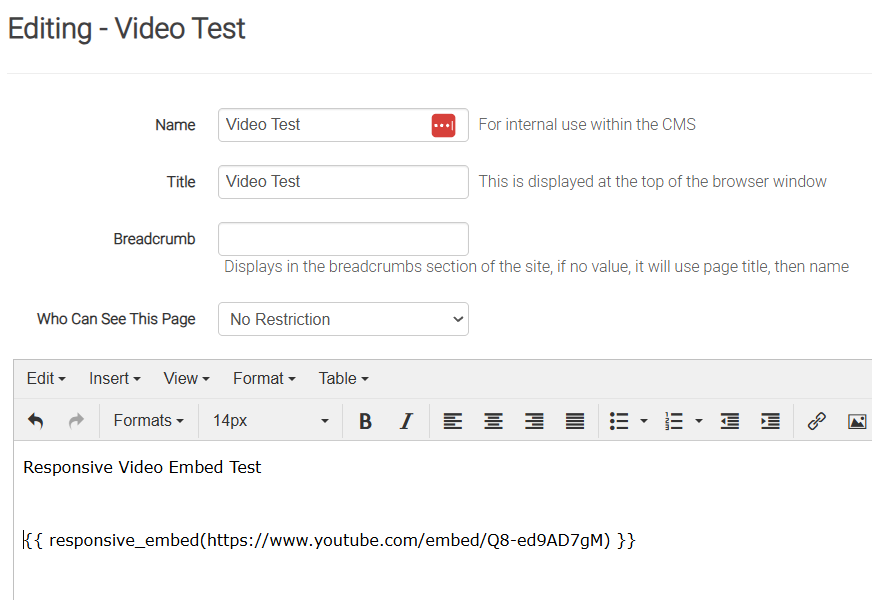
Take this code (below) and replace the bold with the new code that you copied:
Last of all, paste this on the cms page. For example, this is how it looks:
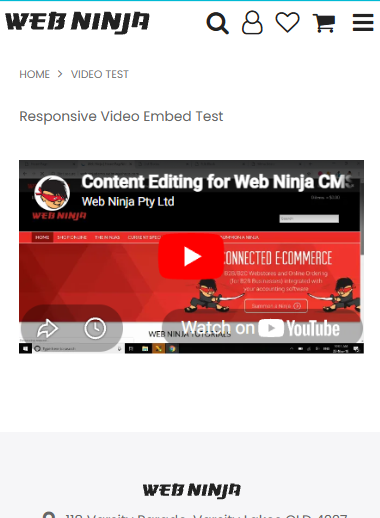
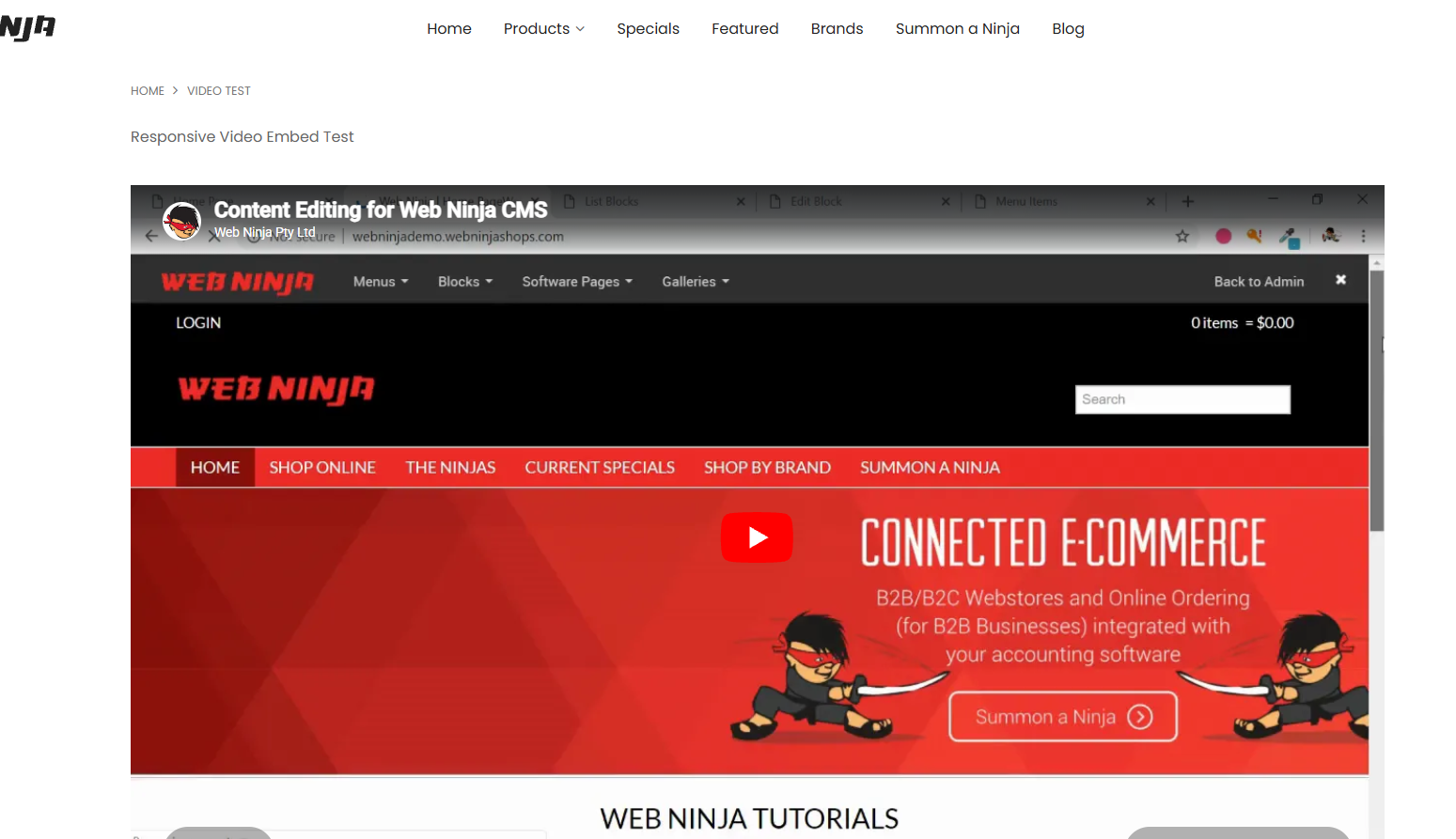
Save it, and now it's responsive...
On Desktop:
And Mobile: